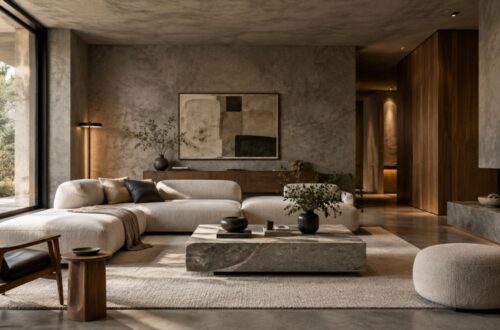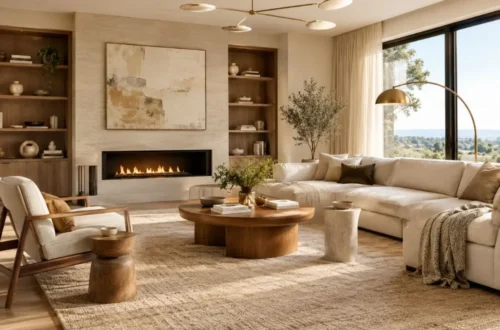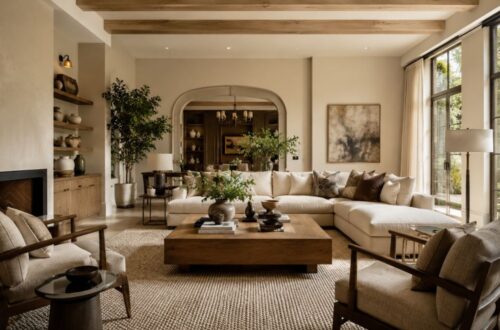
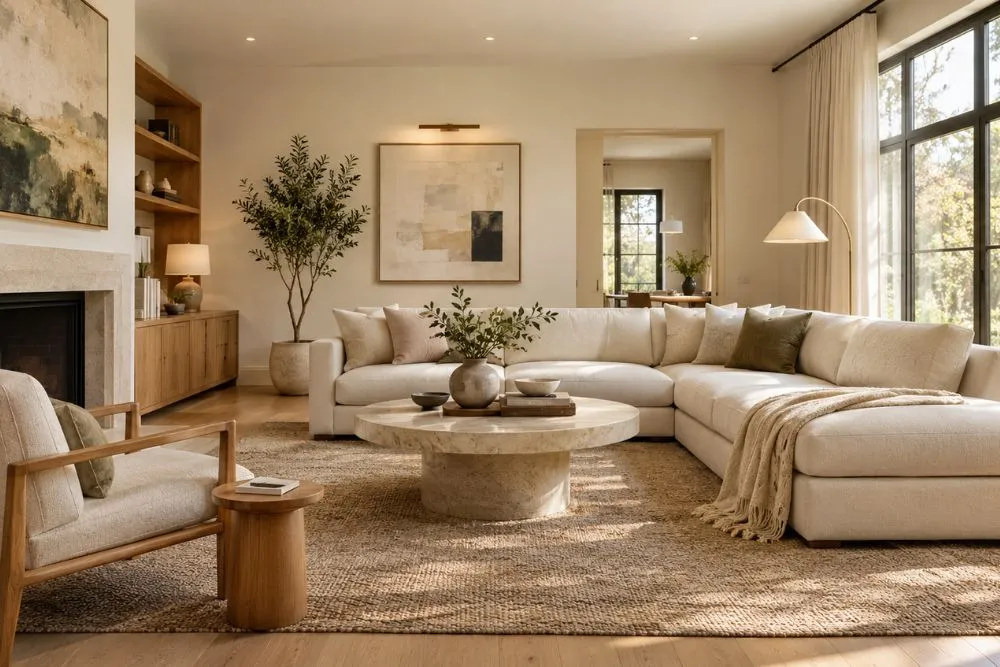
AI room design lets you visualize new furniture, layouts, colors, materials, and interior styles before making expensive changes to your home. The best tools can start with a photo of your existing room, while others use floor plans or 3D models when measurements and furniture placement matter more.
If your goal is simply to see how a living room might look in a new style, a photo-based AI designer is usually the fastest option. For an actual renovation or measured layout, choose a platform that combines AI with floor plans and 2D/3D planning.
For fast photo-based redesigns, consider tools such as Havenly AI, RoomGPT, Interior AI, ReimagineHome, or Decoratly. For measured layouts and more practical planning, Planner 5D, Homestyler, IKEA Kreativ, and Foyr Neo are stronger choices. Always verify dimensions, paint colors, materials, and construction details before purchasing or building.
What Is AI Room Design?
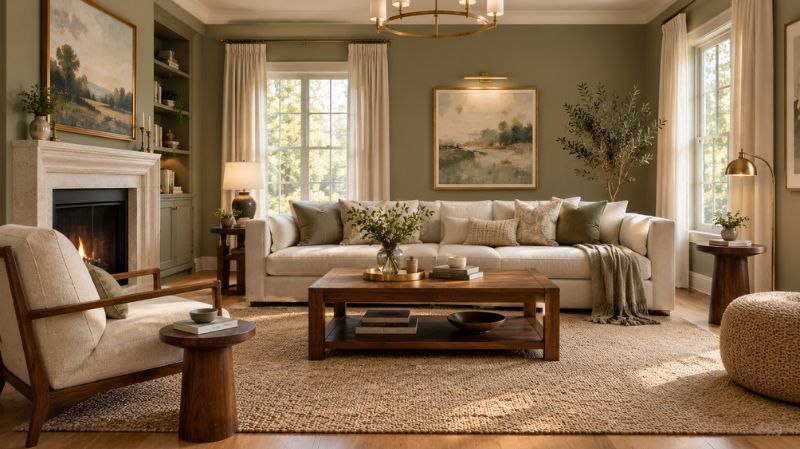
AI room design uses artificial intelligence to generate or modify interior spaces based on a photograph, prompt, sketch, or floor plan.
Instead of manually moving dozens of furniture pieces, you can describe a style such as warm minimalist, Japandi, modern farmhouse, or organic modern and quickly create visual alternatives.
For homeowners, the real value is not simply creating attractive images. AI can help answer practical questions such as whether a darker wall color will work, which furniture style suits existing flooring, or how a room could look after a decorating update.
How AI Room Design Tools Work
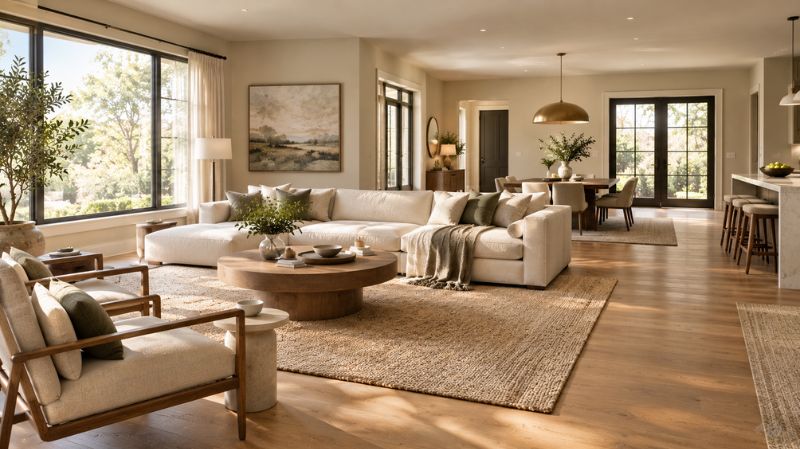
Most tools follow one of three workflows:
- Photo-to-redesign: Upload an existing room photo and generate different styles.
- Plan-to-design: Upload or create a floor plan and build a measured room.
- Prompt-to-concept: Describe the room and desired aesthetic to generate inspiration.
The first approach is fastest for decorating. The second is more useful when dimensions, circulation, doors, and furniture scale are important.
What Can AI Change in a Room?
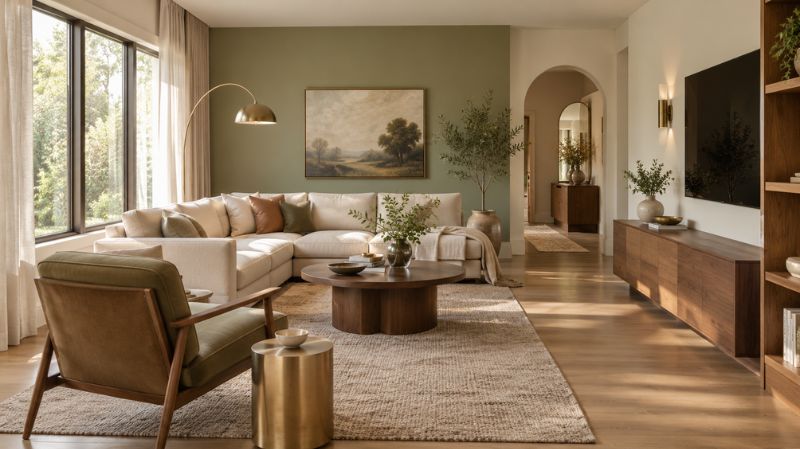
Depending on the platform, AI can help visualize:
- Wall and ceiling colors
- Furniture
- Rugs and curtains
- Lighting
- Flooring
- Cabinet finishes
- Artwork
- Decorative accessories
- Room layouts
- Materials and textures
- Interior design styles
It can also help compare color palettes, such as warm white with natural oak versus soft sage with walnut.
15 Best AI Room Design Tools to Redesign Your Space
The tools below are organized by their strongest practical use rather than treating every AI design platform as identical.
| Tool | Best For | Works From Photo | Layout Planning | Color & Style Visualization |
| Havenly AI | Shoppable room redesign | Yes | Limited | Yes |
| Planner 5D | AI + floor-plan planning | Yes/varies | Yes | Yes |
| IKEA Kreativ | Trying furniture in your space | Yes | Yes | Yes |
| ReimagineHome | Home visualization | Yes | Some | Yes |
| Spacely AI | Design professionals | Yes | Yes | Yes |
| Homestyler | 3D room planning | Yes/varies | Yes | Yes |
| Interior AI | Fast style transformations | Yes | Limited | Yes |
| RoomGPT | Simple room restyling | Yes | Limited | Yes |
| Collov AI | Virtual staging | Yes | Limited | Yes |
| HomeDesigns AI | Broad home visualization | Yes | Some | Yes |
| Foyr Neo | Professional interior design | Yes | Yes | Yes |
| Decoratly | Photo-based redesign | Yes | Limited | Yes |
| Remodel AI | Remodeling concepts | Yes | Limited | Yes |
| RoomLab | Multi-purpose room visualization | Yes | Some | Yes |
| Midjourney | Creative interior inspiration | No/indirect | No | Yes |
1. Havenly AI — Best for Shoppable Room Redesign
Havenly AI is designed around the idea of uploading a real room photo and receiving a redesigned concept with shoppable products.
That makes it particularly interesting for homeowners who want to move from visual inspiration to furniture selection without starting a design entirely from scratch.
It can be useful when you want to test a new sofa, rug, lighting direction, or overall room aesthetic before spending money.
Best for: Homeowners who want inspiration connected to products.
Watch out for: A generated image is still a visualization, so verify product dimensions and room clearances before purchasing.
2. Planner 5D — Best for AI Plus Floor-Plan Planning
Planner 5D takes a more structured approach than a simple image generator. Its AI tools can furnish and style rooms, while its broader platform supports floor plans and 2D/3D design.
That distinction matters when you are dealing with a small bedroom, narrow living room, or renovation where furniture scale and circulation are important.
Best for: Homeowners who want AI inspiration plus actual spatial planning.
3. IKEA Kreativ — Best for Trying Furniture in Your Room
IKEA Kreativ is useful when your main question is, “How will this furniture look in my actual room?”
The platform can work from room photos or scans and lets users experiment with furniture and décor. You can also create a room using dimensions and then furnish it.
This is especially practical for apartments, bedrooms, living rooms, and storage projects where product size matters.
Best for: Furniture visualization and shopping-oriented planning.
4. ReimagineHome — Best for Home Visualization
ReimagineHome focuses on AI-powered interior and exterior visualization, including room redesign and virtual staging.
It is useful when you want to test different furniture arrangements, styles, finishes, or renovation directions from an existing image.
Best for: Homeowners and property professionals who need fast visual concepts.
5. Spacely AI — Best for Design Professionals
Spacely AI is aimed more toward designers, architects, and real-estate professionals than someone looking only for a quick decorating idea.
Its workflow includes AI rendering and design controls intended to take a concept further toward professional presentation.
Best for: Interior designers and advanced users.
6. Homestyler — Best for 3D Room Planning
Homestyler is a stronger choice when you want to build and furnish a room rather than simply generate a new image.
Its 3D environment makes it useful for experimenting with furniture placement, room proportions, finishes, and different decorating directions.
Best for: Users who want more control over a room’s layout.
7. Interior AI — Best for Quick Style Transformations
Interior AI focuses on transforming room images into different interior styles.
It can be useful at the beginning of a project when you know the room you have but are unsure whether you want contemporary, minimalist, Scandinavian, industrial, or another aesthetic.
Best for: Rapid style exploration.
8. RoomGPT — Best for Simple Room Inspiration
RoomGPT has become known for its straightforward photo-based room redesign workflow.
Its appeal is simplicity: upload an image, choose a design direction, and generate an alternative.
It is better suited to visual inspiration than detailed construction planning.
Best for: Beginners who want a quick before-and-after concept.
9. Collov AI — Best for Virtual Staging
Collov AI is particularly relevant to virtual staging and property visualization.
For homeowners, the same technology can help demonstrate how an empty or dated room could look with furniture and a more contemporary decorating scheme.
Best for: Real-estate staging and property presentation.
10. HomeDesigns AI — Best for Broad Home Visualization
HomeDesigns AI covers a broad range of room and home visualization scenarios.
This type of platform can be useful if your project extends beyond one living room and includes bedrooms, kitchens, bathrooms, exteriors, or other residential spaces.
Best for: Users looking for a broader home-design toolkit.
11. Foyr Neo — Best for Professional Interior Design
Foyr Neo is built around a more complete interior-design workflow, including floor plans, furniture catalogs, and rendering.
It is therefore better suited to users who need more than a generated image and want a platform that supports a structured design process.
Best for: Interior designers, remodelers, and advanced residential projects.
12. Decoratly — Best for Photo-Based AI Redesign
Decoratly focuses on redesigning a real room from an uploaded image and provides style and editing capabilities.
For homeowners, its strongest use case is experimenting with furniture, colors, and decorative direction while retaining the basic context of the original room.
Best for: Quick room makeovers from photographs.
13. Remodel AI — Best for Remodeling Concepts
Remodel AI is useful when the question goes beyond décor and becomes, “What could this room look like after an update?”
It can help visualize changes to finishes, furnishings, colors, and other residential elements before you commit to a renovation direction.
Best for: Remodeling inspiration.
14. RoomLab — Best for Multi-Purpose Room Visualization
RoomLab combines room redesign and visualization features for users who want to experiment with styles and changes to an existing space.
It can be useful when you want to compare multiple design directions before narrowing down a final concept.
Best for: Homeowners comparing several room concepts.
15. Midjourney — Best for Creative Interior Inspiration
Midjourney is a general-purpose image-generation platform rather than a dedicated room planner.
That difference is important. It can create highly imaginative interiors, but you should not expect the same spatial accuracy or product-level practicality as a dedicated room-planning platform.
Best for: Creative mood boards and high-level interior inspiration.
Which AI Room Design Tool Should You Choose?
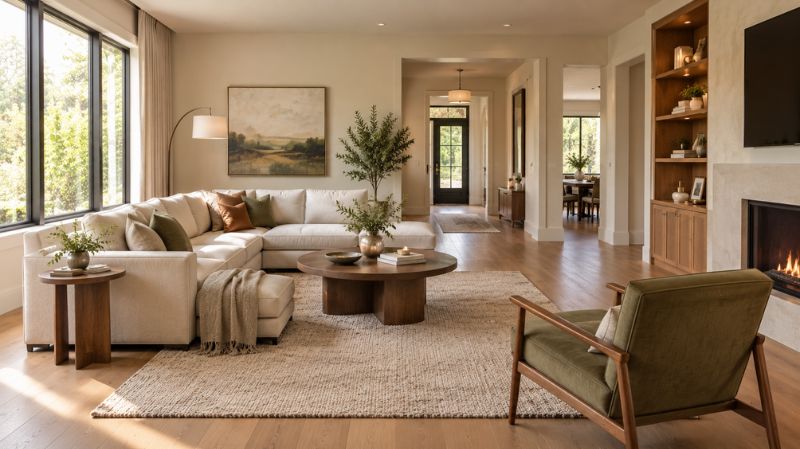
The best choice depends on what you are actually trying to accomplish.
| Your Goal | Best Tool Type |
| Redesign an existing room photo | Photo-based AI designer |
| Try different interior styles | AI room redesign tool |
| Test furniture in your space | Shopping/room visualization tool |
| Plan furniture placement | 3D room planner |
| Work from measurements | Floor-plan platform |
| Visualize a renovation | Remodeling AI |
| Stage an empty property | Virtual staging platform |
| Create professional presentations | Professional design software |
| Generate unusual design concepts | General AI image generator |
| Test a complete home direction | Multi-room design platform |
The key lesson is simple: a beautiful render is not automatically a usable design.
If your project involves buying furniture, check dimensions. If it involves paint, test the actual color. If it involves construction, verify measurements and technical requirements separately.
How to Choose the Best AI Room Design Tool
Does It Use Your Actual Room?
A photo-based tool can be much more useful than a generic image generator when you already have a real space.
Look for systems that preserve important characteristics such as windows, doors, flooring, architectural features, and camera perspective.
Does It Handle Layouts or Just Images?
If your biggest problem is furniture arrangement, choose a platform with floor plans or 3D planning.
For example, a generated image might make a large sectional look perfect, but only a measured plan can help determine whether there is enough walking space around it.
Can You Control Wall Colors?
For paint projects, look for tools that let you specify colors rather than simply selecting a broad style.
You can compare:
- Warm white with oak
- Soft gray with black accents
- Sage green with cream
- Navy with warm wood
- Greige with natural stone
- Terracotta with off-white
Remember that digital color previews are approximations. Lighting, sheen, surrounding finishes, and the actual paint surface can change how a color appears.
How to Use AI Room Design for a Real Home Makeover
1. Start With a Good Room Photo
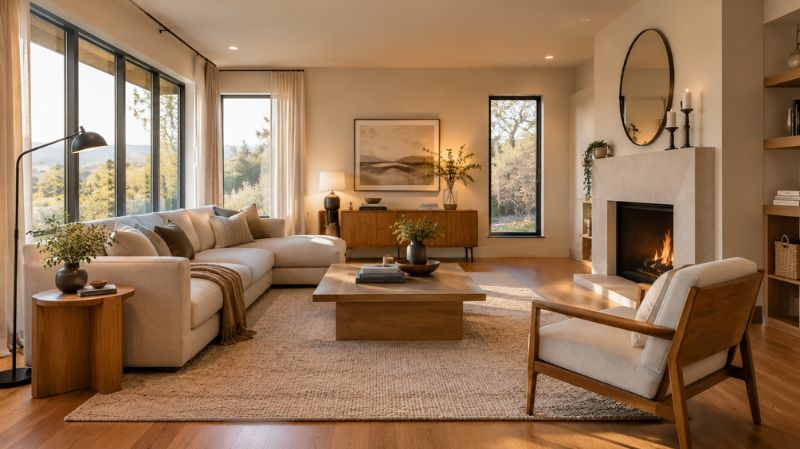
Take the photograph in good natural light and show as much of the room as possible.
Avoid extreme angles that make furniture appear much larger or smaller than it really is.
2. Tell the AI What Must Stay
If you are keeping your hardwood floor, sofa, fireplace, cabinets, or windows, say so.
A useful instruction might be:
“Keep the existing flooring, windows, fireplace, and sofa. Change the wall color, rug, lighting, coffee table, and accessories to create a warm organic-modern living room.”
Specific instructions generally produce a more useful starting point than simply saying “make it modern.”
3. Experiment With Color Before Buying Paint
AI can help you compare several wall-color directions quickly.
For a north-facing room, you might compare a warm white, soft greige, and muted sage rather than assuming a cool white will work.
For a bright south-facing room, you could test cooler neutrals, blue-gray, or balanced whites.
These are design considerations, not fixed rules. Your home’s windows, surrounding colors, artificial lighting, and finish levels all influence the final appearance.
4. Compare Furniture at the Concept Stage
Try different sofa shapes, coffee tables, rugs, dining chairs, beds, and storage pieces before shopping.
Then measure the actual products.
AI should help you narrow the options—not replace a tape measure.
AI Room Design Ideas by Room
AI Living Room Design
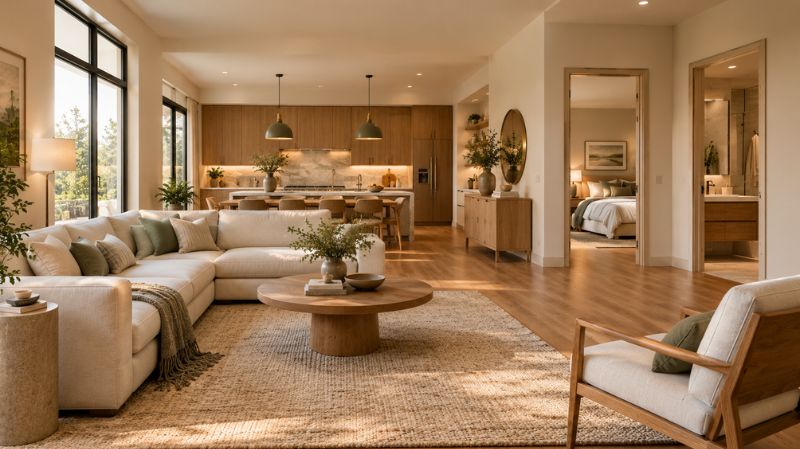
Test sofa arrangements, area rugs, accent walls, coffee tables, lighting, curtains, and artwork.
A neutral living room can also be tested with several accent palettes, such as sage and cream, navy and natural wood, or terracotta and warm white.
AI Bedroom Design
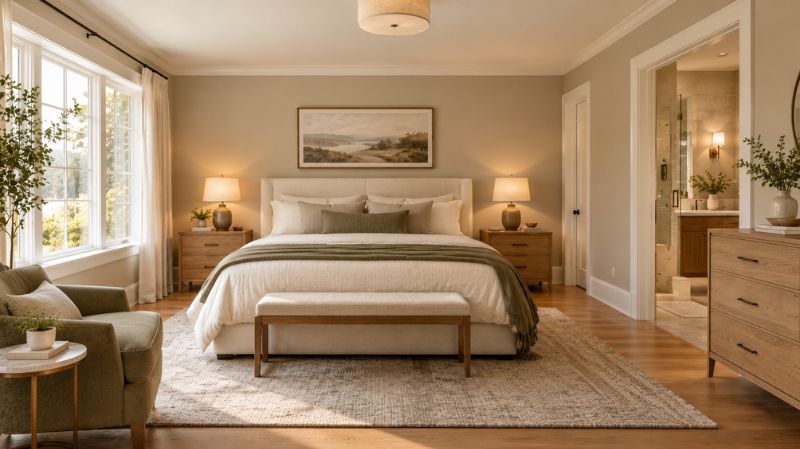
Focus on calming colors, layered lighting, bedside tables, upholstered beds, curtains, and textiles.
Soft greens, warm neutrals, muted blues, and earthy colors can create very different moods without changing the room’s architecture.
AI Kitchen Design
Use AI to visualize cabinet colors, backsplashes, countertops, hardware, flooring, and lighting.
For example, compare warm-white cabinets with natural wood against sage cabinetry with light stone surfaces.
AI Bathroom Design
Experiment with tile, vanity finishes, mirrors, lighting, wall colors, and metal finishes.
Because bathrooms often have limited square footage, use AI concepts as a way to compare visual directions before selecting actual materials.
Can AI Help You Choose Paint Colors?
Yes, but it should be used as a visualization aid rather than the final authority.
A room render can help you see whether a palette feels balanced, but a digital image cannot perfectly reproduce the way a physical paint color reacts to daylight and artificial lighting.
Before painting, test a real sample on the wall or use large physical sample boards.
Consider:
- Natural light direction
- Time of day
- Existing flooring
- Furniture undertones
- Trim color
- Ceiling color
- Light-bulb temperature
- Paint sheen
Color psychology can also guide the mood. Blues and greens are commonly associated with calm or natural environments, while warm neutrals often create a welcoming atmosphere. These associations are useful design cues, not universal psychological rules.
Can AI Room Design Replace an Interior Designer?
Not completely.
AI is excellent for generating options quickly, comparing styles, testing visual ideas, and helping homeowners communicate what they want.
A professional is still valuable when a project involves structural changes, complicated layouts, construction documentation, electrical or plumbing work, building regulations, or decisions where mistakes are expensive.
The most effective approach can be AI for ideation and visualization, followed by human judgment for measurements, materials, safety, budget, and implementation.
Common AI Room Design Mistakes to Avoid
Choosing a Beautiful Design That Does Not Fit
A generated image may ignore real-world circulation or furniture dimensions.
Trusting AI Paint Colors Too Literally
Always compare the digital concept with real paint samples.
Buying Furniture Without Measuring
Measure doors, walls, walkways, ceiling height, and the furniture itself.
Ignoring Lighting
The same wall color can appear dramatically different under morning daylight, afternoon sun, and warm evening bulbs.
Treating an AI Render as a Construction Plan
A visualization is not an architectural drawing or engineering document.
Changing Everything at Once
Try changing the wall color first, then furniture, then lighting and accessories. This makes it easier to identify what actually improves the room.
How to Get Better Results From an AI Room Designer
The quality of the starting information matters.
Use a clear room photograph, describe the style, identify what should remain, and specify the changes you want.
For example:
“Redesign this small living room in a warm minimalist style. Keep the existing hardwood floor and windows. Use warm off-white walls, a low-profile cream sofa, natural oak furniture, a textured neutral rug, black accent lighting, and layered warm lighting. Keep the room practical and uncluttered.”
This approach also works when searching for ai interior design ideas or an ai design my room tool because it turns a vague request into a defined design brief.
If you are specifically looking for ai home design free options, check the current free limits before committing time to a platform. Free plans can change, and some offer limited generations rather than unlimited use.
Final Verdict
The best AI room design tool is the one that matches the decision you need to make.
Choose a photo-based AI designer when you want to see your existing room in a different style. Choose a 3D planner when furniture placement and room dimensions matter. Choose a shopping-connected platform when you are ready to compare real products. For renovation projects, combine AI visualization with accurate measurements and professional guidance.
The smartest workflow is:
Photograph your room → generate several concepts → compare layouts and colors → measure the space → test real materials → check furniture dimensions → create your final decorating or renovation plan.
AI can make the first stage dramatically faster, but the best residential design decisions still combine visualization with real-world measurements, lighting, materials, budget, and how the room actually needs to function.
Ready to redesign your space? Start with one room, create three different concepts, and compare the wall color, furniture, lighting, and overall mood before spending money on the makeover.
FAQs
What is the best AI room design tool?
There is no single best tool for every project. Photo-based AI designers are best for fast visual makeovers, while platforms with floor plans and 3D modeling are better when accurate layouts and furniture dimensions matter.
Is there a free AI room designer?
Yes. Several AI room design platforms offer free plans, free generations, or limited trials. Always check the current terms because free allowances, watermarks, and feature restrictions can change.
Can I redesign my room from a photo?
Yes. Many dedicated AI interior design tools accept a photo of an existing room and generate alternative styles, furniture arrangements, colors, or décor concepts.
Can AI help me choose a paint color?
AI can help visualize paint-color possibilities and compare palettes. However, use physical paint samples before making a final decision because screen images cannot perfectly reproduce real-world color.
Can ChatGPT design a room?
ChatGPT can help develop a room concept, design brief, color palette, furniture plan, and visual direction. For measured 3D planning, however, a dedicated room-planning platform may be more appropriate.
Can AI design an entire house?
AI can help generate concepts for multiple rooms and create a consistent style direction. For a complete renovation, measurements, technical drawings, budgets, and professional review are still important.
What is the best AI tool for interior design?
The best tool depends on the task. Dedicated photo redesigners are useful for visual makeovers, while Planner 5D, Homestyler, and professional platforms are more appropriate when layout and spatial planning are important.
Can AI create a 3D room layout?
Yes. Some AI-assisted platforms can create or modify 2D and 3D room layouts. These are generally more useful for furniture placement and spatial planning than purely image-based generators.
Are AI room designs accurate?
They can be visually convincing without being dimensionally accurate. Treat AI renders as design concepts and verify measurements, product specifications, material requirements, and construction details independently.
Can AI room design tools help me choose furniture?
Yes. They can help you compare furniture styles, arrangements, proportions, and color combinations. Before buying, confirm the real product’s dimensions, materials, availability, and return policy.